

Remote Online Notarization Form
Please only include the name of the signers that would be signing the same document.
First Signer Details
Second Signer Details
Third Signer Details
Fourth Signer Details
First Observer Details
Second Observer Details
Third Observer Details
Please check the checkbox to reveal the options for the number of notarial acts and witnesses you would like to avail.
⚠️ Submitting this form does not confirm an immediate appointment. After completing the form, you will be redirected to select an available time. Appointments are scheduled during regular business hours and are subject to availability.
Follow these steps to request a remote witness for your signing
1. Check Witness Availability:
Review our online calendar to confirm available dates and times for your session.
2. Select a Day and Time:
Choose your preferred day and time for the witnessing session.
Requests must be made at least 2 hours in advance.
3. Wait for Confirmation:
Do not proceed with payment until you receive confirmation from our office. Confirmation will be sent via text message
to the phone number provided on the request form.
4. Complete the Request Form:
Once you have selected a date and time, complete and submit the request form with all required details about the signing.
5. Make Payment:
After receiving confirmation, proceed with payment to finalize your remote witnessing session.
Note: Your session is not confirmed until you receive a text message confirmation from our office.
To guide you through the process, watch the instructional video on how to complete your verification and meet with the notary.
Additional Clues for Determining Who the Notarial Act Covers: If a notarial certificate mentions “all of us,” “the signers,” “the witnesses,” or leaves blank spaces for names, it’s a clue that the notarial act should be performed on both the signer(s) and any required witnesses. Always check the language carefully to understand who must be included in the notarization process!
Remote Online Signer's Experience.
This video walks you through Knowledge-Based Authentication (KBA) and Credential Analysis, explaining how the process works and what you need to pass successfully. Learn how to prepare for KBA questions, properly submit your ID for analysis, and avoid common pitfalls that could delay your notarization.
🔗 Watch here: How to Complete Identity Proofing and Credential Analysis
Please note that Maryland Notaries are not authorized to perform biometrics as a type of ID verification.
Get In Touch
Assistance Hours (By Appointment)
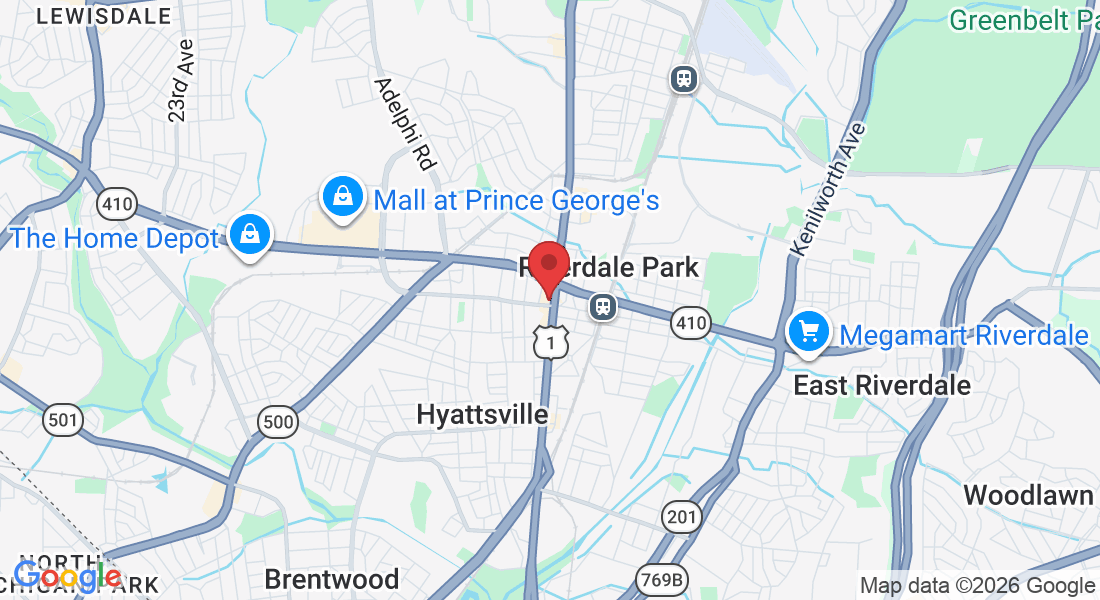
All appointments must be finalized with a confirmation call from a team member.
Get In Touch
Assistance Hours
(By Appointment)
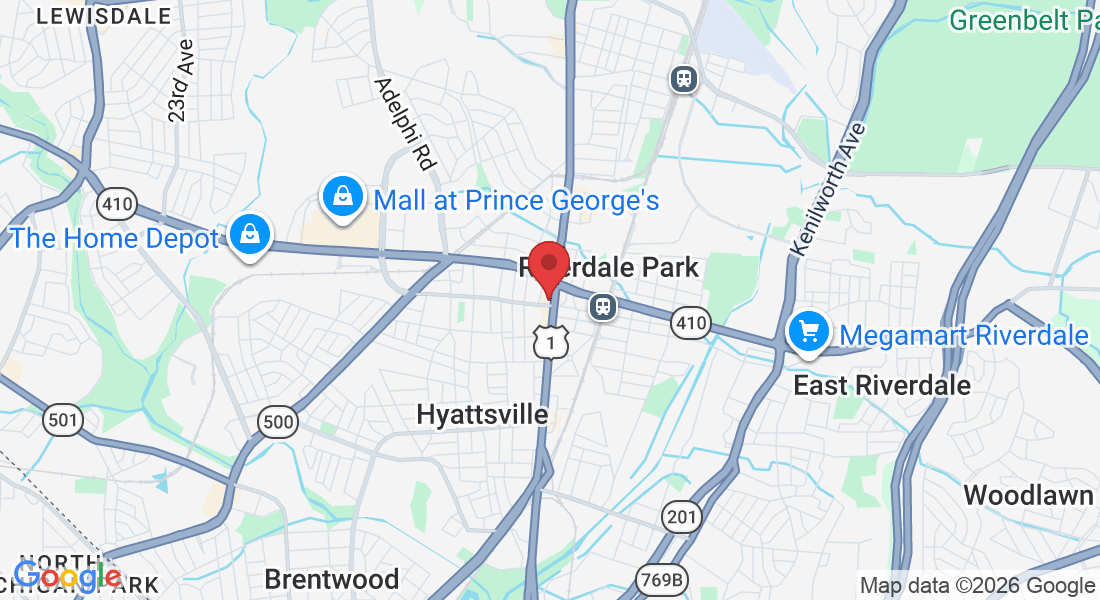
All appointments must be finalized with a confirmation call from a team member.